
01
Pregrade
Decision support before expensive grading choices.
 QAG
QAG Sumi-e grading lab
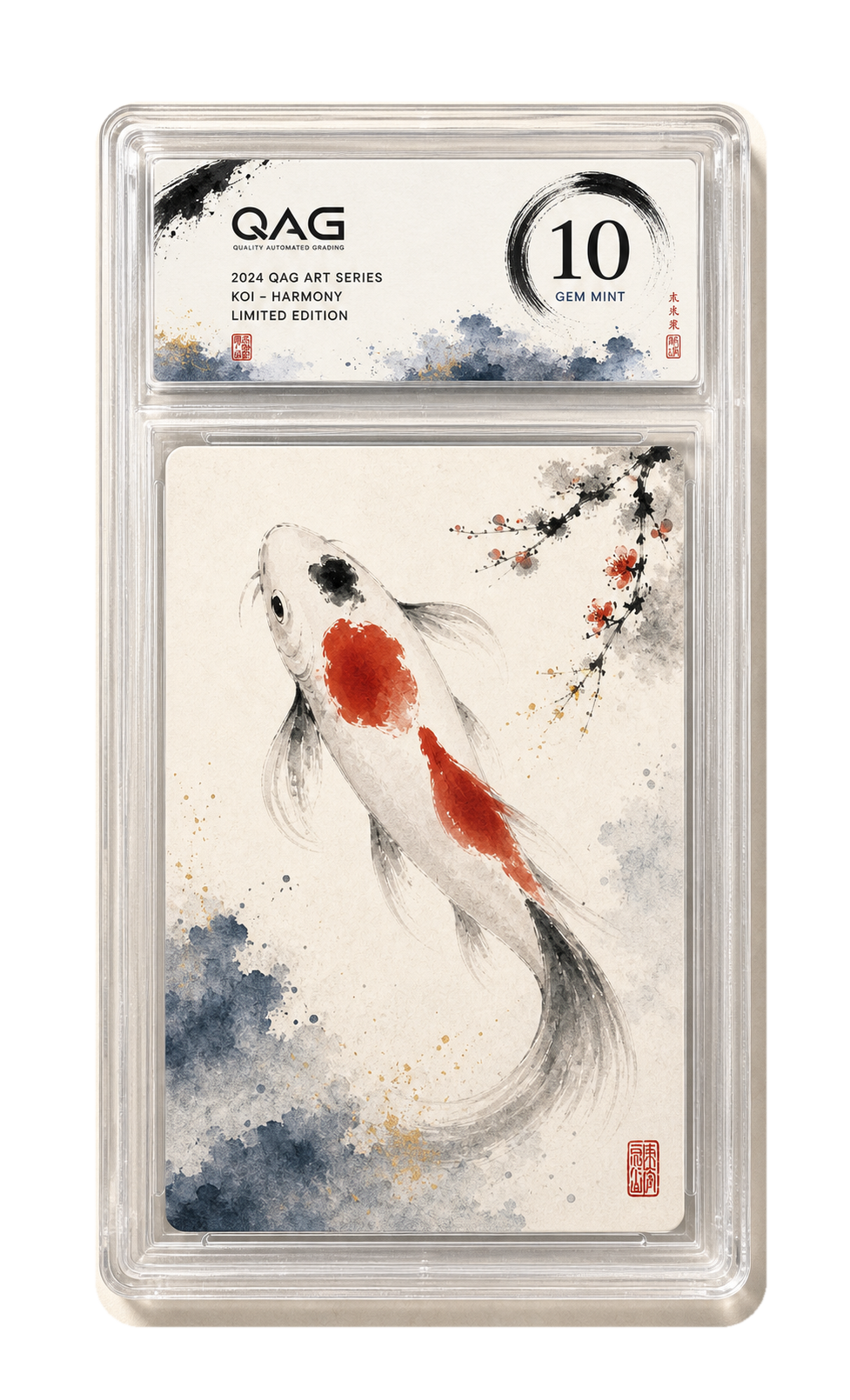
QAG brings pregrade, full grading, slabs, public reports, and seven-digit cert numbers into one collector-friendly workflow without exposing private scanner methods.
 Controlled scan Human QA Public cert
 Services
Pregrade supports decisions before committing. Full Grading requires physical intake and controlled QAG scanning.
Decision support before expensive grading choices.
Physical intake, controlled scan, QA, and cert publishing.
Premium evidence without private detector internals.
A lower-cost condition read and recommendation before committing to full grading.
Physical intake, QAG grading, slab, human QA, and a public cert report.
Full grading with slab and a custom label note requested by the customer.
Cert Lookup
Enter a cert number to view a published public report.
Public status labels stay clear while internal scan data remains behind protected workflows.
Register an account, declare the card count, service tier, and a short description for each card.
QAG generates a packing slip with your submission id and a QR code. Print and slip it into the box.
Send the physical cards to the QAG lab address printed on the slip, with protective packaging.
Staff verify the cards against your submission, confirm the sender identity, and photograph intake state.
Cards pass through a high-resolution scanner under controlled light and angle to capture all four surfaces.
QA reviews the scan, condition, and surface coverage on every face before locking the grade and subgrades.
If your order includes encapsulation, cards are sealed in a QAG slab with the seven-digit cert number on the label.
The public cert is published on the site with grade, subgrades, approved evidence, and readable defect notes.
QAG ships the cards back to the registered address with a tracking number that arrives by email.
Payment
QAG checks card count, selected service, and total before slip upload opens, so payment matches the real work order.
Customers see the payable total after admin review and invoice confirmation.
Payment details appear in the customer account and email only after the invoice is ready.
Cert Report
Only approved grade, subgrade, surface status, and customer-safe defect notes appear in the public report.

Concise answers to the questions collectors ask most often.
No. Customer photos can support context or pre-submission checks. Official QAG grading requires physical intake and controlled QAG scanning.
No. Public pages explain controlled scans and human review while withholding formulas, thresholds, calibration assets, raw scanner data, and debug payloads.
The report says so plainly with statuses such as Surface Not Captured, Needs Review, or Confirmed.